A well-designed digital product should be easy to understand, navigate, and use. UI/UX designers help businesses achieve this by creating digital experiences that meet user needs while supporting business goals.
If you are hiring a UI/UX designer, understanding the role's responsibilities, required skills, and qualifications can help you find the right candidate. This guide explains what a UI/UX designer does, provides a customizable job description template, and outlines the essential skills employers should look for.
What Is a UI/UX Designer?
A UI/UX designer is a professional who helps plan and design digital products, including websites, mobile applications, and software interfaces.
The role combines two related disciplines:
- User Experience (UX) Design: Focuses on how a product works, how users navigate it, and whether they can accomplish their goals efficiently.
- User Interface (UI) Design: Focuses on the visual and interactive elements of a product, such as buttons, layouts, typography, colors, and navigation components.
Although UI and UX are closely connected, they address different aspects of product design. UX designers focus on usability and the overall experience, while UI designers focus on the interface through which users interact with a product.
In many organizations, one designer handles both responsibilities. Larger teams may have separate UI and UX specialists working together throughout the product development process.
To understand how these responsibilities fit into a designer's career, read our guide on how to become a UI/UX designer, which explains the design process, essential skills, and career roadmap.
UI/UX Designer Job Description Template
The following template can be customized for a full-time, part-time, or contract UI/UX designer position.
Job Title: UI/UX Designer
Job Summary
We are looking for a creative and user-focused UI/UX designer to help design intuitive, accessible, and visually appealing digital products. The successful candidate will understand user needs, translate business requirements into practical design solutions, and collaborate with product managers, developers, and other stakeholders throughout the design process.
The UI/UX designer will be responsible for conducting user research, developing wireframes and prototypes, designing user interfaces, and evaluating digital experiences to identify opportunities for improvement.
Key Responsibilities of a UI/UX Designer
A UI/UX designer's responsibilities may vary depending on the organization, product, and experience level. Common duties include the following.
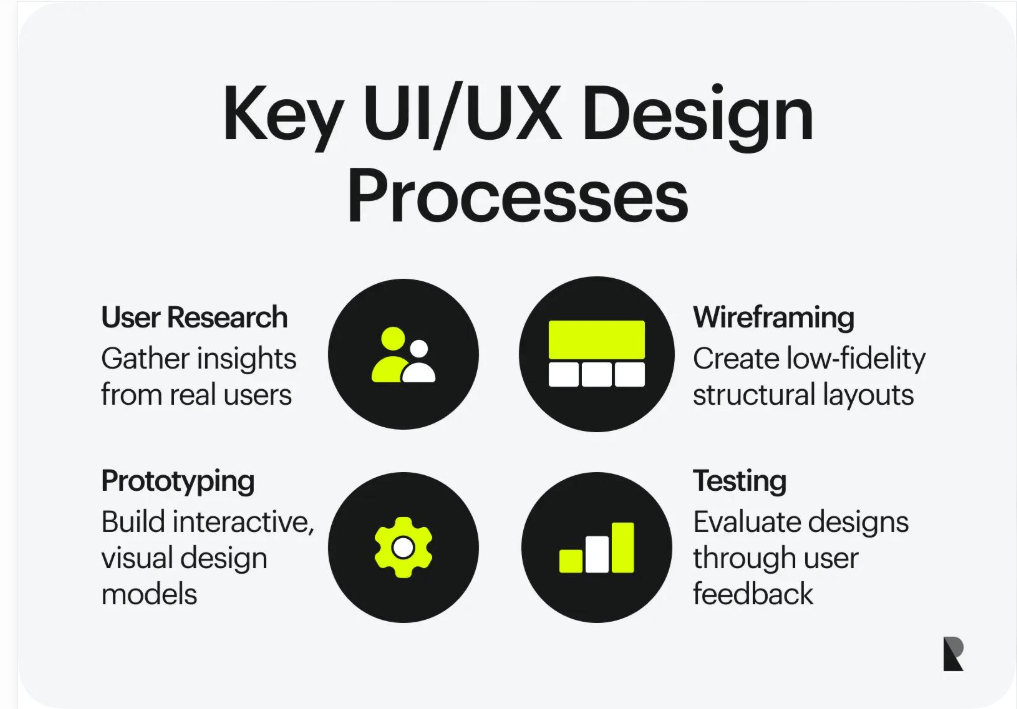
1. Conduct User Research
Understand the target audience, their needs, and the problems they experience when using a digital product.
Responsibilities may include:
- Conducting user interviews and surveys.
- Reviewing customer feedback and product analytics.
- Identifying user pain points and usability challenges.
- Creating user personas and journey maps when appropriate.
- Evaluating competing products to identify design opportunities.
Research helps designers make informed decisions instead of relying entirely on personal assumptions.
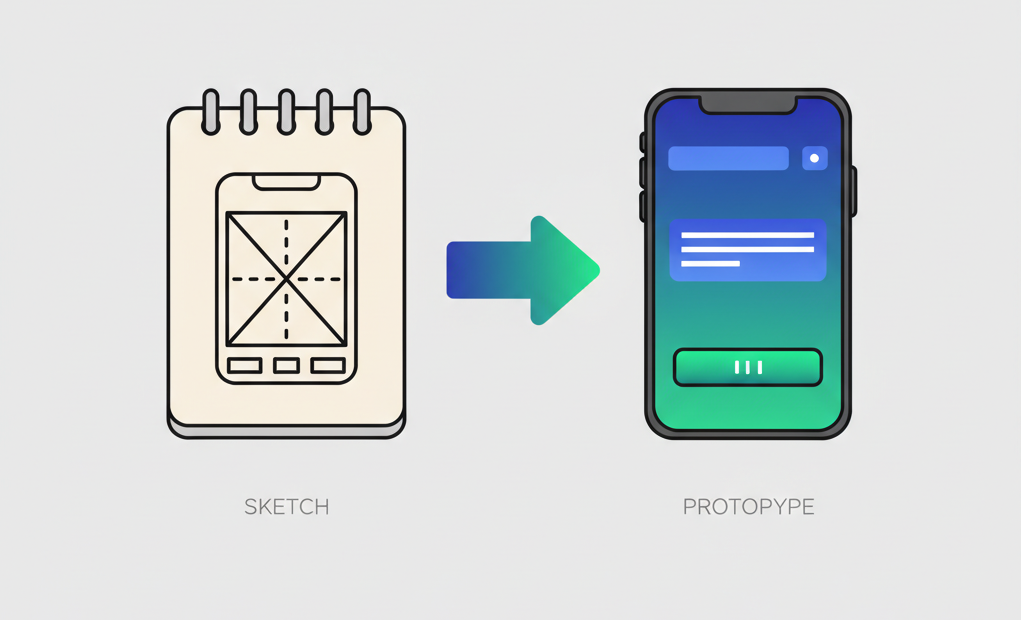
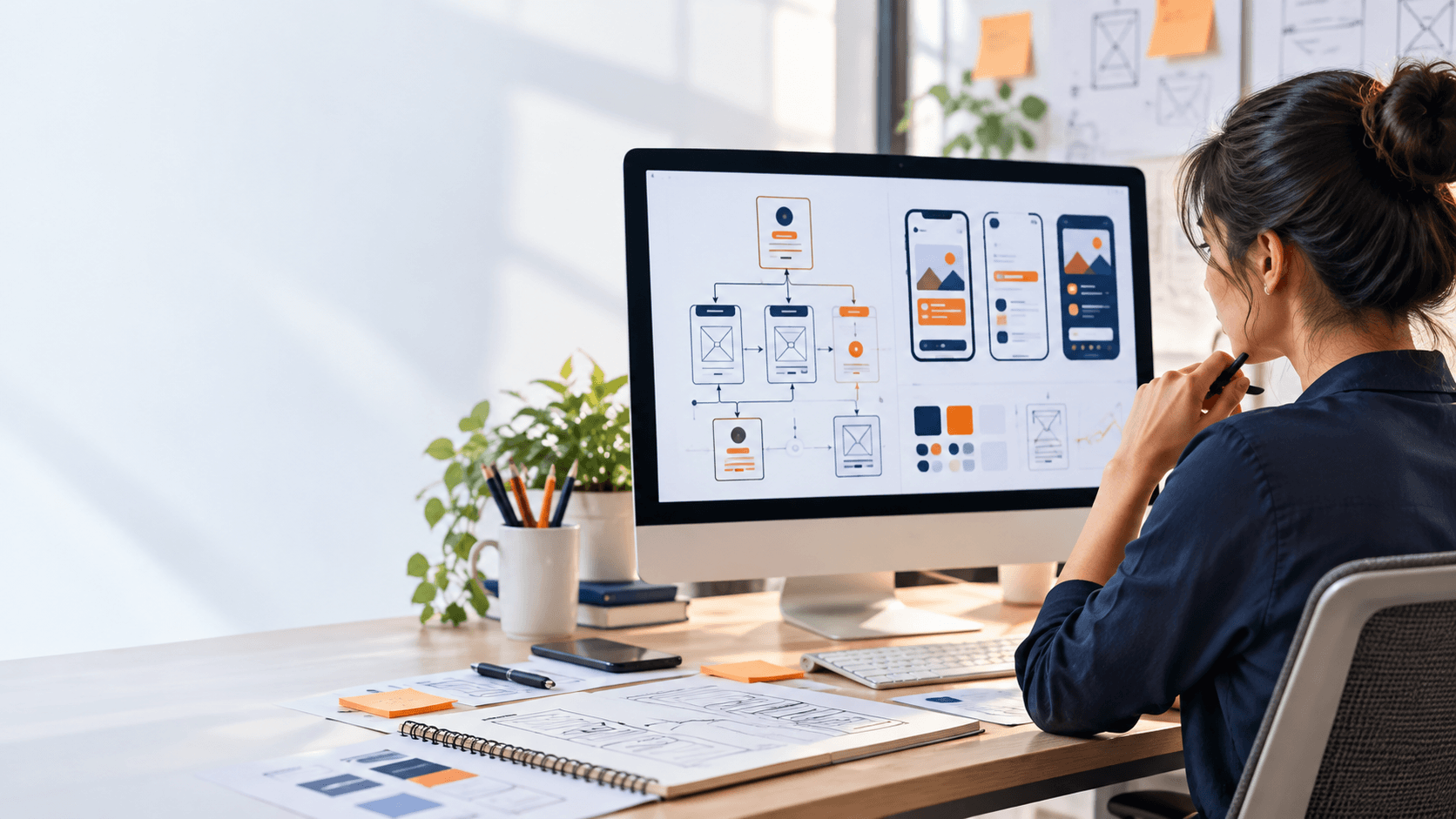
2. Develop Wireframes and Prototypes
Create visual representations of a product before developers begin implementation.
A designer may:
- Develop wireframes to establish page structure and content hierarchy.
- Create user flows that show how people move through a product.
- Build interactive prototypes to demonstrate proposed functionality.
- Present design concepts to stakeholders for feedback.
- Refine designs based on testing and project requirements.
Wireframes and prototypes help teams identify problems early, reducing the need for expensive changes during development.
Prototyping is an important part of the design process because it allows teams to test ideas before development. Learn more about prototyping and how it helps improve digital product design.
3. Design User Interfaces
Create interfaces that are visually consistent, intuitive, and aligned with the product's goals.
Typical responsibilities include:
- Designing website and mobile application layouts.
- Creating buttons, forms, navigation menus, and other interface elements.
- Establishing typography, spacing, colors, and visual hierarchy.
- Applying existing brand guidelines and design systems.
- Maintaining consistency across different pages and devices.
A strong UI designer considers both visual appeal and usability when making design decisions.
4. Test and Improve User Experiences
Evaluate whether users can successfully complete important tasks within a digital product.
This may involve:
- Conducting usability tests with representative users.
- Reviewing feedback from product teams and customers.
- Identifying confusing navigation or interface elements.
- Testing different design solutions when appropriate.
- Making improvements based on research and observed behavior.
The objective is to make digital experiences easier to understand and use, not simply to make them look attractive.
5. Collaborate With Development and Product Teams
UI/UX designers work closely with professionals responsible for building and managing digital products.
They may collaborate with:
- Product managers to understand product requirements and priorities.
- Developers to discuss technical feasibility and implementation.
- Marketing teams to maintain brand consistency.
- Quality assurance teams to identify interface and usability issues.
- Business stakeholders to align design decisions with organizational goals.
Clear communication helps ensure that the final product reflects the intended design and functionality.
Essential UI/UX Designer Skills
Employers should evaluate a combination of design knowledge, technical familiarity, analytical thinking, and communication skills.
Technical and Design Skills
User research: The ability to understand user needs through interviews, surveys, feedback, and other research methods.
Wireframing and prototyping: Experience creating wireframes, user flows, and interactive prototypes to communicate design ideas.
Visual design: Understanding typography, color, spacing, alignment, contrast, and visual hierarchy.
Interaction design: Knowledge of how users interact with digital interfaces, including navigation, forms, buttons, and feedback states.
Responsive design: Ability to design interfaces that adapt to different screen sizes, including desktop, tablet, and mobile devices.
Accessibility: Awareness of inclusive design practices, readable content, keyboard navigation, and appropriate color contrast.
Design systems: Familiarity with reusable components, design guidelines, and maintaining consistency across a digital product.
Soft Skills
In addition to technical abilities, effective UI/UX designers need:
- Communication: Explain design decisions clearly to different teams.
- Problem-solving: Identify usability issues and develop practical solutions.
- Empathy: Understand the experiences and challenges of different users.
- Collaboration: Work constructively with designers, developers, and stakeholders.
- Adaptability: Respond to feedback and changing project requirements.
- Attention to detail: Maintain consistency across layouts, components, and interactions.
Understanding how content and navigation work together is also important for designing intuitive digital products. Explore our guide on information architecture and navigation in UI/UX design to learn how designers organize content and create clear user journeys.
UI/UX Designer Qualifications and Requirements
The qualifications for a UI/UX designer depend on the position's responsibilities and seniority.
Employers commonly look for:
- A degree, diploma, or relevant training in design, human-computer interaction, computer science, or a related field, where appropriate.
- A portfolio demonstrating UI/UX design projects and the candidate's design process.
- Practical experience with design and prototyping tools such as Figma.
- Knowledge of user-centered design principles and usability testing.
- Familiarity with responsive design and accessibility.
- Experience collaborating with developers and product teams.
A strong portfolio is particularly valuable because it allows employers to evaluate how candidates approach design problems, conduct research, explain their decisions, and improve their solutions.
For entry-level positions, personal projects, academic work, internships, and thoughtfully documented practice projects may demonstrate relevant skills even when candidates have limited professional experience.
A portfolio helps employers evaluate a designer's problem-solving abilities and practical experience. Read more about why a UX portfolio matters more than a degree and what hiring managers look for when reviewing design work.
UI/UX Designer Tools
UI/UX designers use different tools depending on their workflow and the organization they work for.
| Tool | Common Use |
|---|---|
| Figma | Interface design, collaborative work, and prototyping |
| Adobe Illustrator | Vector graphics and visual assets |
| Adobe Photoshop | Image editing and visual preparation |
| FigJam or Miro | Brainstorming, user flows, and collaborative workshops |
| Maze or similar testing tools | Gathering feedback and evaluating prototypes |
Employers should select tools based on actual project requirements rather than requiring candidates to know every available design application.
UI Designer vs. UX Designer: What's the Difference?
Although UI and UX designers often work together, their primary areas of responsibility differ.
| UI Designer | UX Designer |
|---|---|
| Focuses on the visual interface | Focuses on the overall user experience |
| Designs layouts, typography, colors, and components | Researches user needs and designs workflows |
| Establishes visual consistency | Evaluates usability and task completion |
| Creates interface specifications | Develops user journeys, wireframes, and prototypes |
Both roles contribute to creating digital products that are visually appealing, functional, and easy to use.
In smaller organizations, a single UI/UX designer may be expected to manage both disciplines.
How to Evaluate a UI/UX Designer Candidate
When reviewing applications, employers should look beyond a candidate's visual portfolio.
Consider evaluating the following:
- Portfolio quality: Does the candidate demonstrate relevant projects and explain the problems they solved?
- Research approach: Can they explain how they identified user needs and validated assumptions?
- Design process: Do they demonstrate a logical progression from research to wireframes, prototypes, and final designs?
- Usability knowledge: Can they identify potential accessibility and usability problems?
- Collaboration: Can they communicate effectively with developers and other stakeholders?
- Problem-solving: Can they explain why they selected a particular design solution and what they would improve?
A practical design exercise based on a realistic product problem may also help evaluate a candidate's approach. It should have a clear scope and avoid requiring excessive unpaid work.
For additional insight into the skills employers are looking for, explore why companies can't find skilled UX designers and the design capabilities that can help candidates stand out.
Frequently Asked Questions
What does a UI/UX designer do?
A UI/UX designer researches user needs, plans digital experiences, creates interfaces and prototypes, and evaluates designs to improve usability. The role may include both user experience and visual interface design.
What skills are required for a UI/UX designer?
Important skills include user research, wireframing, prototyping, visual design, interaction design, responsive design, accessibility awareness, communication, and problem-solving.
Is UI/UX design a technical role?
UI/UX design combines creative and analytical work. Designers need to understand digital products and collaborate with developers, but the level of coding knowledge required depends on the position. HTML and CSS familiarity can be useful, particularly when working closely with frontend development teams.
What should employers look for in a UI/UX designer portfolio?
Employers should look for relevant projects, clear problem statements, research insights, design decisions, prototypes, and explanations of how the designer evaluated or improved the experience.
Can beginners apply for UI/UX designer jobs?
Yes. Entry-level and junior positions may accept candidates who demonstrate relevant design skills through academic projects, personal projects, internships, or practical training. Requirements vary by employer.
Build Your UI/UX Design Skills
Understanding the responsibilities of a UI/UX designer is a useful starting point for anyone interested in creating digital experiences. Developing these skills requires practice in user research, interface design, prototyping, usability testing, and collaboration.
For individuals who want to develop their design knowledge, explore WFI's UI/UX Design program. The program covers user research, wireframing, prototyping, interaction design, and usability testing, helping learners develop practical skills for designing user-centered digital products.
Whether you are hiring a UI/UX designer or preparing for a design role, a clear understanding of the responsibilities, essential skills, and design process can help you make better decisions and create more effective digital experiences.