Prototyping: Your Guide to Better Design
Do you want to build apps that people enjoy? You must understand prototyping. This is a major step in the design process. It helps you test your ideas before you build the final product. Many students in the USA want to enter this field. It is a great time to start your journey. Companies need designers who can show how a product will work. This blog will teach you the basics. You will learn why this skill matters so much.
What is Prototyping?
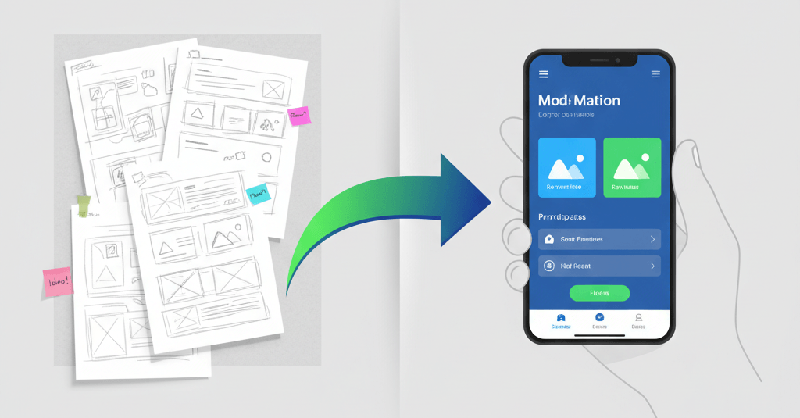
Prototyping is the act of making a model of your product. It is not the real app or website. Instead, it is a draft. You use it to see if your ideas work. It lets you find mistakes early. This saves time and money for the business. You can make a simple draft on paper. You can also use a computer to make a complex one. Both ways are useful for different stages of your project.
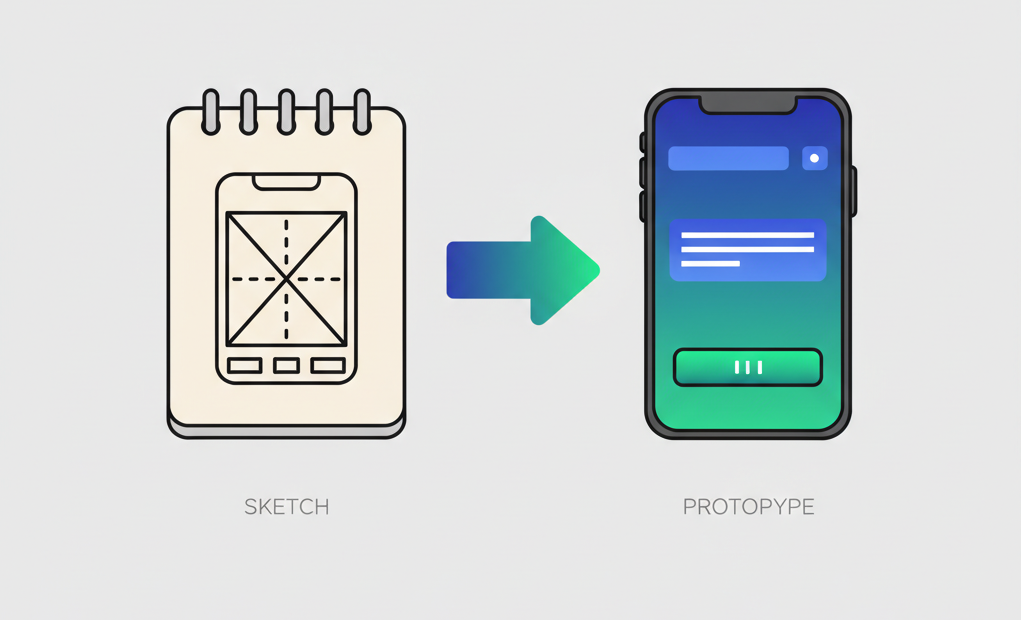
In our training, we show you how to move from a sketch to a working model. This is how you prove your ideas can work in real life. Designers use prototyping to talk to their teams. It makes your vision clear to everyone. Without a model, you are just talking about ideas. With a model, you have something to touch and feel.
Why Prototyping is Important
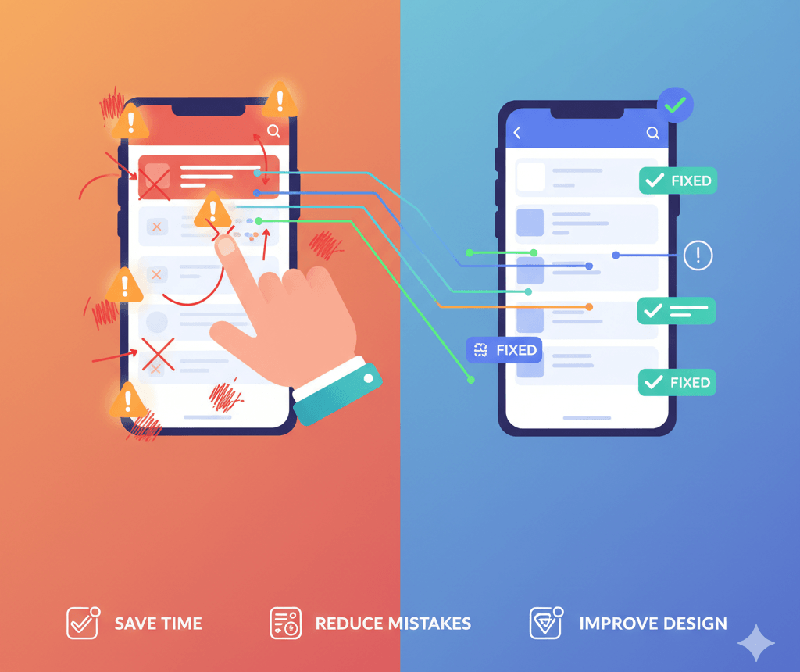
You might wonder, why prototyping is important for a new designer? The answer is simple. It helps you fix problems before they get big. Imagine building a house without a small model first. You might find out a room is too small at the end. That would be very hard to fix later. The same thing happens with apps.
A good model helps you talk to your team. It shows them exactly what you mean. You do not have to guess. It also helps you get feedback from users. You can watch them try to use your draft. If they get stuck, you know what to change. This is a core part of the WorkForce Institute curriculum. We teach you how to use these models to solve real problems. You can learn more about our approach here: WorkForce Institute UI/UX Design.
According to experts at the Interaction Design Foundation, this step reduces risk. It makes sure you build what the user needs. It turns your guesses into facts. Prototyping ensures your final design is useful and easy to navigate.
Effective Prototyping Strategies
To do your best work, you need effective prototyping habits. Do not try to make it perfect right away. Start with a rough idea. This is called low-fidelity design. Focus on how the app feels, not how it looks. You want to see if the flow makes sense. Can the user get from point A to point B? If they can, then you can add colors and icons later.
In our bootcamp, we teach you to focus on the goal first. You should always know what you are testing. Are you testing a button? Or are you testing the whole checkout process? Keeping a clear goal helps you work faster. It also helps you stay on track.
Prototyping is about being smart with your time. If you spend too long on a bad idea, you lose money. Instead, build a fast model and test it. If it fails, try something else. This way of working is very common in big tech companies. It is a skill that will help you get hired.

Paper Prototyping for Beginners
One of the best ways to start is paper prototyping. You only need a pen and some paper. You draw the screens of your app. Then, you show them to someone. You ask them to "click" by pointing at the paper. When they click a button, you show them the next piece of paper.
This method is very fast. You can change a drawing in seconds. It is a great way to brainstorm with your team. You do not need to be an artist. You just need to show where things go. This is Module 10 in our course. We show you how to turn these sketches into real plans. This step is vital for career starters with no experience. It proves you can think through a problem without fancy tools.
The Nielsen Norman Group says this method is great for early testing. It keeps the focus on the structure. Users will not worry about colors yet. They will focus on how the app works. Prototyping on paper is the fastest way to get your ideas out of your head.
Moving to Digital Prototyping
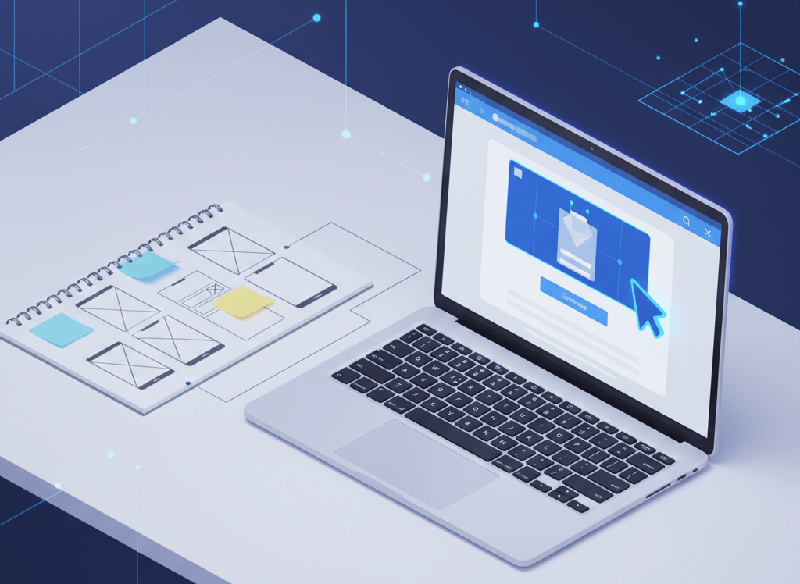
Once your paper drafts work well, you move to digital prototyping. This is where you use tools like Figma. These tools let you make models that look like real apps. You can add links that actually work. When you click a button on the screen, it takes you to the next page.
This helps you see how the final product will look. It is also great for showing your work to clients. They can see the fonts and colors you chose. In the bootcamp, we teach you advanced Figma skills. You will learn how to make these models look professional. This is a skill that makes you ready for a job.
Digital prototyping is where your design comes to life. You can share a link with anyone across the country. They can test your app on their phone. This gives you data on how people use your design. Our students use this data to make their projects even better.
How AI Changes Prototyping
Now, we can use AI to work even faster. Prototyping with AI is a big part of our training. You can use tools to generate ideas. Some tools can even turn a sketch into a digital screen for you. This saves you a lot of manual work.
We use tools like ChatGPT to write the words for your app. We also use plugins in Figma to help with the layout. Using Uizard can help you turn paper sketches into digital wireframes quickly. Mastering these tools helps you stay ahead of other designers. It makes your workflow much smoother. You can learn these modern tools even if you are just starting out.
Using AI in prototyping does not replace the designer. It gives the designer a partner. It lets you spend more time on big ideas and less time on repetitive tasks. Our bootcamp shows you the best ways to prompt these AI tools.
Prototyping in Your Portfolio
When you look for a job, you need a portfolio. Employers want to see how you think. They love to see your prototyping process. You should show your paper sketches. Then, show how they became digital models. This proves that you follow a good process. It shows you can take feedback and make things better.
In the WorkForce Institute bootcamp, we help you build these case studies. We review your work to make sure it looks great. You will have a professional resume and a strong LinkedIn profile by the end. Our goal is to help you stand out to hiring managers.
The Bootcamp Experience
Do you want to become a UI/UX expert? The WorkForce Institute offers a 24-week program. It is part-time and online. This means you can study while you work. You do not need any prior design experience. We teach you everything from the basics to advanced AI tools.
You will get to work on real projects. You will have mentors to guide you during office hours. You will also join a global network of top professionals. By the end, you will earn a certificate. You will be ready for roles like Product Designer or User Researcher.
The program is built for career starters and changers. If you are in the USA and want a new career, this is for you. We provide live Q&A sessions to help you through any challenge. You will learn prototyping and many other vital skills.
Take the Next Step
Don't wait to start your journey. The design field is growing fast. Companies need your help to create better products. Visit our site to learn more and sign up. Your new career in UI/UX design starts here. We train you, mentor you, and connect you with the industries that need your skills.
Learning prototyping is just the beginning. You will also master user research, color theory, and visual design. You will have the support of academic counselors to stay on track. Our interactive workshops ensure you gain hands-on experience.
The Bureau of Labor Statistics shows high demand for digital designers. This is a stable and exciting path. By mastering prototyping, you become a valuable asset to any tech team. You will be ready to solve complex problems with smart designs.
Enroll today: WorkForce Institute UI/UX Design Bootcamp
FAQ: Common Questions About Prototyping
What is the difference between a wireframe and a prototype?
A wireframe is a static drawing of a screen. It shows the layout. A prototype is interactive. It shows how the app works when you click things. We teach both in our modules.
Do I need to be good at drawing?
No, you do not. For paper prototyping, simple boxes and text are enough. You just need to show where a button goes. Digital tools help you with the rest.
Which tool is best for prototyping?
Figma is the industry standard today. We focus on Figma in our bootcamp. We also show you how to use AI tools like Visily to speed up the process.
How long does it take to learn?
You can learn the basics of prototyping in a few weeks. Our 24-week program gives you plenty of time to master it. You will practice it in weekly projects.
Can I learn this with no design experience?
Yes. Many of our students are career starters or changers from other fields. We start with the fundamentals.
How does the bootcamp teach prototyping to someone with no design experience?
The program is built for people starting fresh. We begin with the basics of prototyping on paper first. This helps you learn the logic before you use complex software. You will also have mentors to guide you every step of the way.
What specific AI tools will I use for digital prototyping?
You will learn to use several modern tools in the bootcamp. We teach you how to use Uizard to turn sketches into wireframes. You will also use the Magician Figma plugin and Visily for prototyping layouts. These tools help you work much faster than traditional methods.
Are there live sessions to help me with effective prototyping?
Yes, we provide weekly live office hours with industry experts. You can share your work and get real-time feedback on your projects. There are also live Q&A sessions to solve any technical issues you face. These sessions make prototyping easier to master.
Will I build a portfolio that shows off my prototyping skills?
Building a strong portfolio is a huge part of the course. You will complete two main projects and a final capstone project. Each project will show your prototyping process from start to finish. This proves to employers that you can handle real design tasks.
How much time is spent on the prototyping module?
The bootcamp lasts 24 weeks in total. Prototyping is the focus of Module 10, but you will practice it throughout the program. You will spend 10 to 15 hours each week on your lessons and projects. This gives you plenty of time to build your skills.
Can I use AI to help write text for my prototyping projects?
Yes, we teach you how to use AI for UI copy. You will learn to use ChatGPT to generate text for your buttons and menus. This makes your prototyping look more realistic to users. It also helps you focus more on the layout and flow.
What job roles will I be ready for after I learn prototyping?
Mastering these skills prepares you for many different roles. You can become a Product Designer, UX Interaction Designer, or UX Visual Designer. You might also work as a User Researcher or UX Writer. All of these jobs use prototyping every single day.
Do I learn how to test my prototyping work?
Testing is a vital part of the design process. In Module 12, you will learn how to conduct usability tests on your models. We teach you how to use tools like Maze to see how users interact with your designs. This helps you improve your prototyping based on real data.
Is this program flexible enough for people with full-time jobs?
The bootcamp is a part-time, online program designed for busy people. Most of the modules are self-paced so you can study when it works for you. This makes it a great choice for career changers in the USA. You can learn prototyping without quitting your current job.
Do I get a certificate after I learn prototyping and other skills?
Yes, you will earn a professional certificate upon completion. This certificate proves you have the skills to work as a professional designer. It is a great way to show off your prototyping expertise to the world.